User consent
Principles of consent and information under GDPR
The principle of consent is perhaps the most important in the entire GDPR:
- The digital assistant must obtain a user's explicit consent before any collection of personal data: the user must give their unambiguous agreement and must be able to refuse.
- The organisation must be able to prove the user's consent in the event of an audit by the data protection authority.
It is also mandatory to communicate to the user the reason for processing their data and how long their data will be retained.
Consent processing by the digital assistant
Consent request
At the start of a conversation, after the welcome message, the digital assistant asks the user for their consent.
In light of the GDPR principles mentioned above, here is our proposed consent approach:
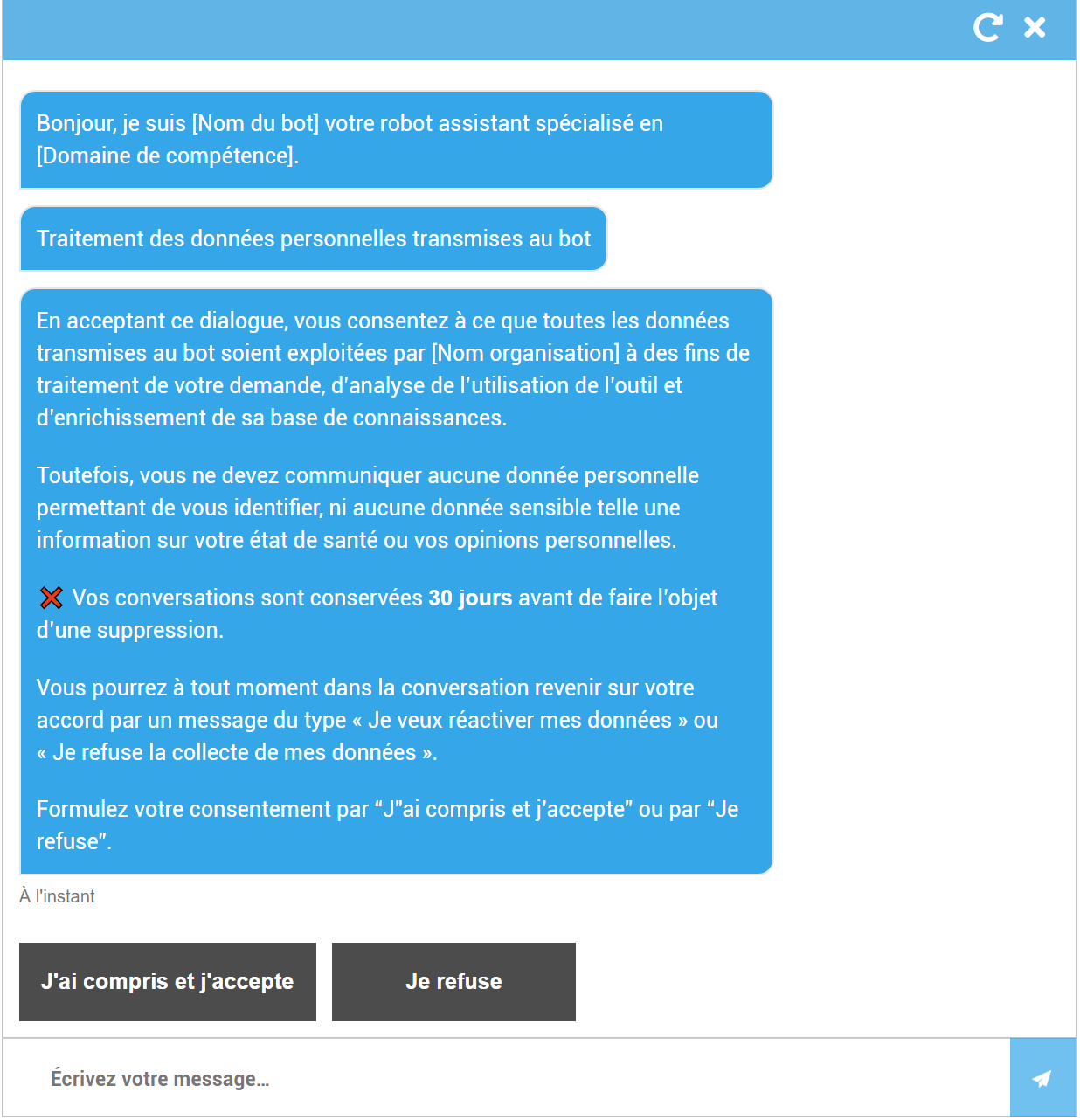
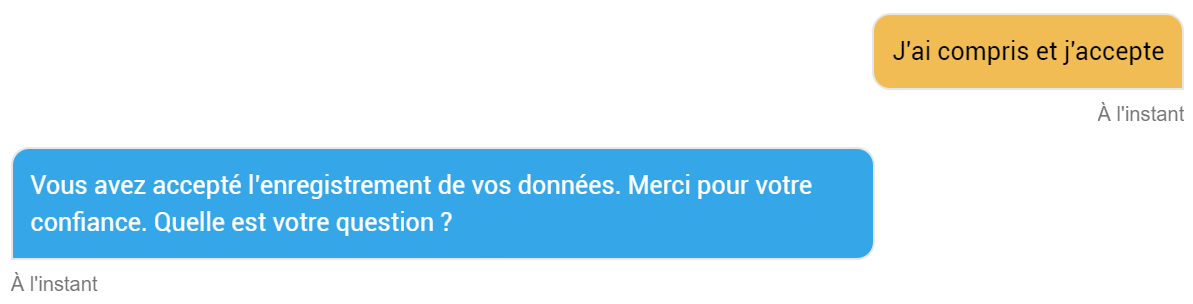
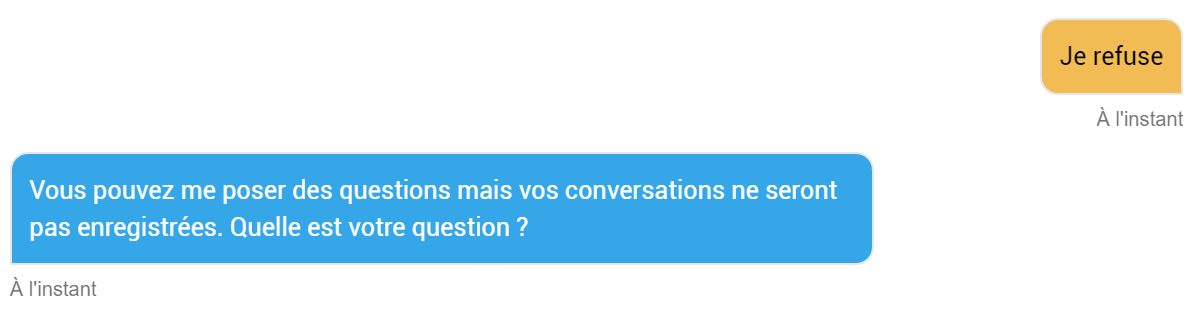
Depending on the button clicked by the user, the bot returns a message:
- If they accept:
- If they refuse:
Remarks:
- This text should be adapted to the version of your platform, the usage context and the data purging/anonymisation rules established in your organisation.
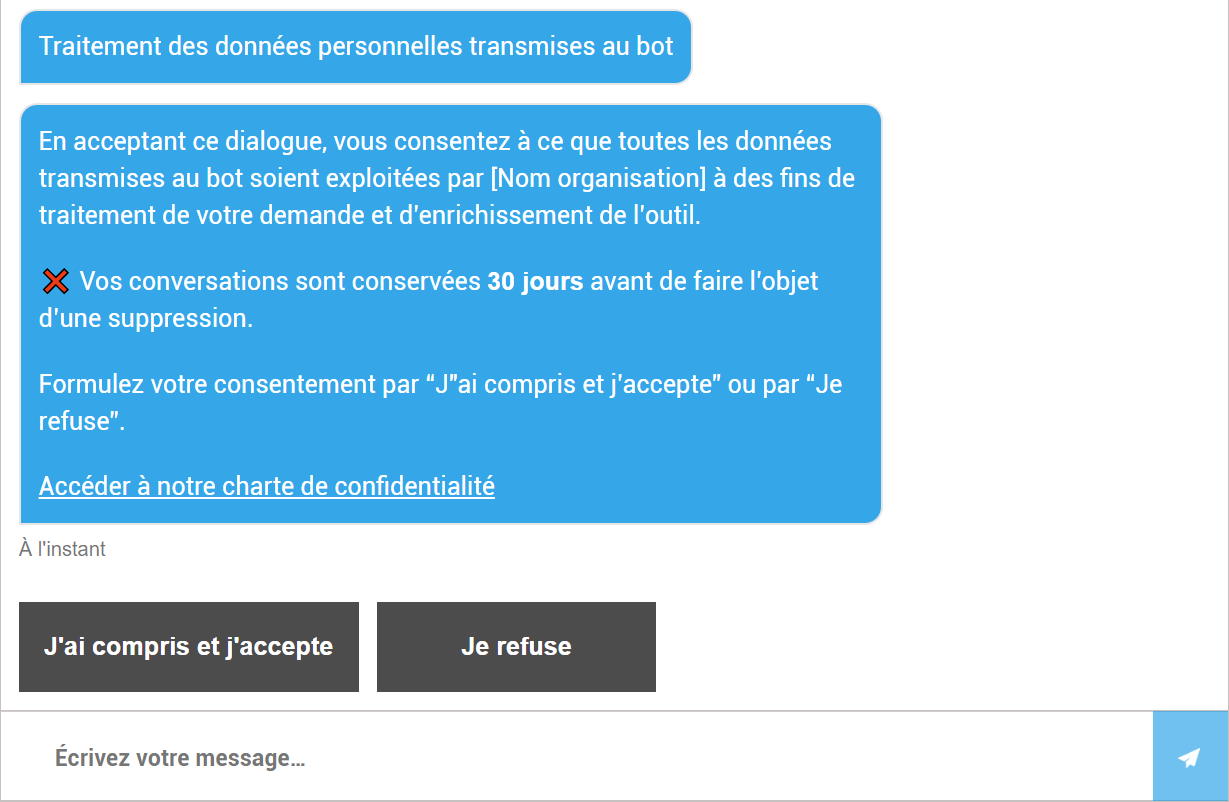
- It is possible to write a shorter message and redirect the user to an existing external page on your website that explains the privacy policy established in your organisation:
-
All texts (introduction bubble, consent message, link text to the external privacy policy page, response on the 2 buttons) are fully customisable in the back-office.
-
The digital assistant re-presents the consent message if the user sends a question without having responded to the consent prompt.
NOTE:
-
If the user can be authenticated, their consent is archived in the back-office and will not be requested at their next conversation.
-
In the case of a public chatbot without user authentication, consent will be requested at the start of each conversation.
-
It is possible to delegate consent to your website. In this case, the website passes the information to the chatbot and the chatbot does not ask for their consent again. The conversation tracking rules then remain the same as those applied by the bot. If you wish to implement this delegation, DAVI will provide technical documentation to your web team.
I want to disable/reactivate the collection of my data
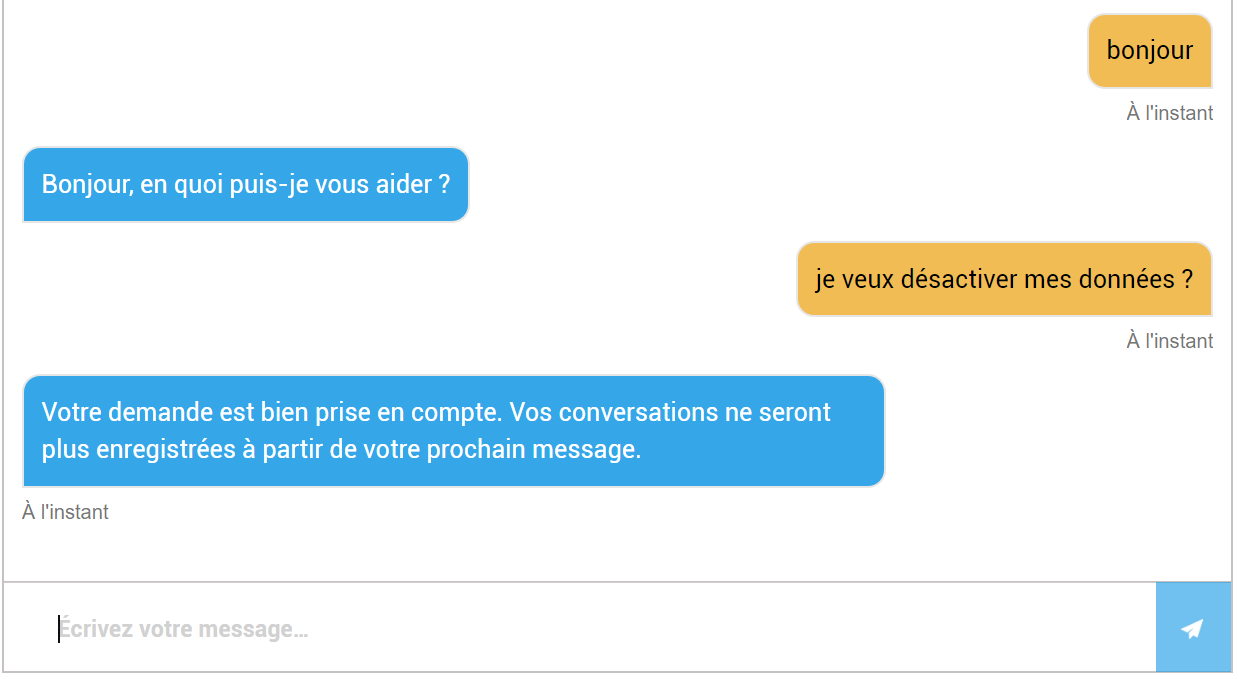
At any point in a conversation, the user can change their consent via a message such as:
- "I want to disable my data"
- "I want to reactivate the collection of my data"
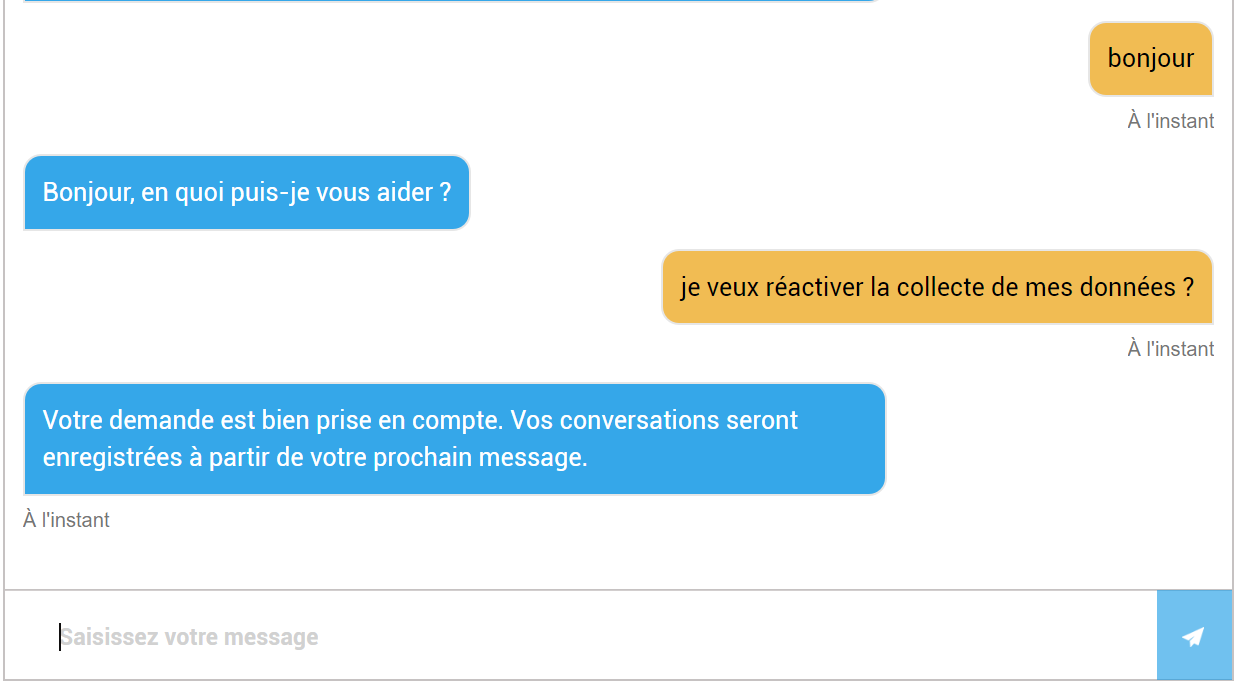
The tracking rules for the remainder of the conversation remain the same as those applied by the digital assistant during the initial consent at the very beginning of the conversation.
Consent archiving
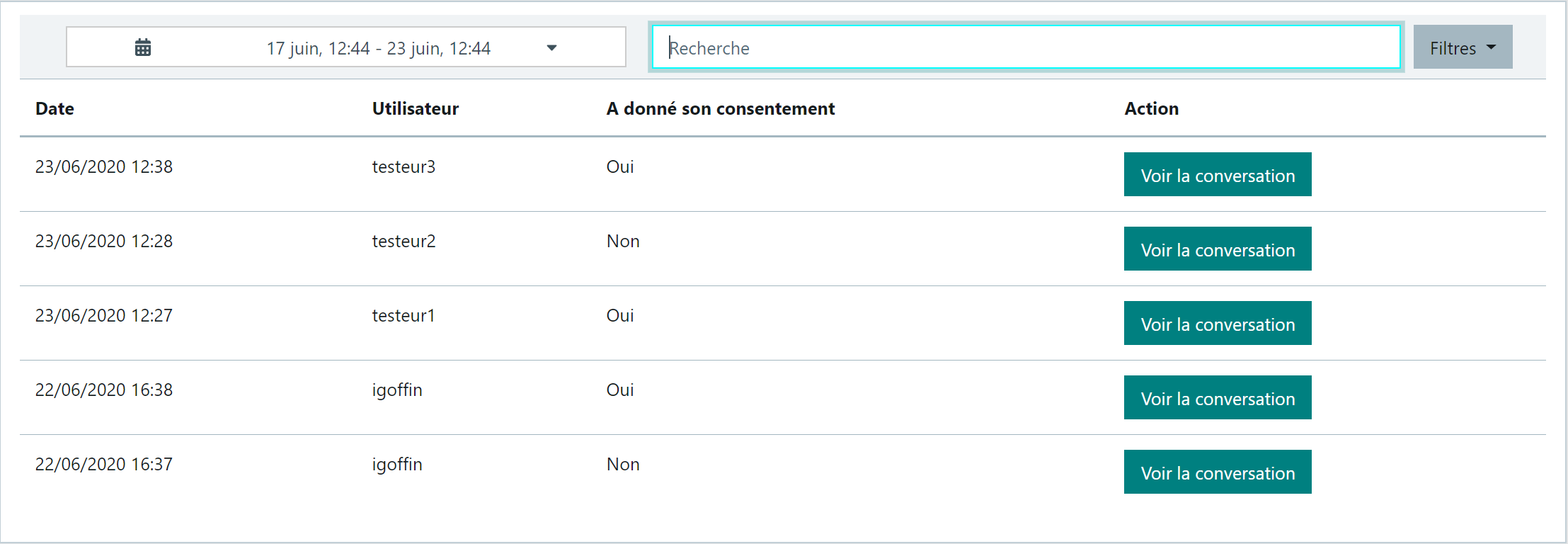
The "GDPR > Consent collection" function archives the consents of authenticated users, whether the consent is initial (at first login) or given via a message during a subsequent conversation.
Example:
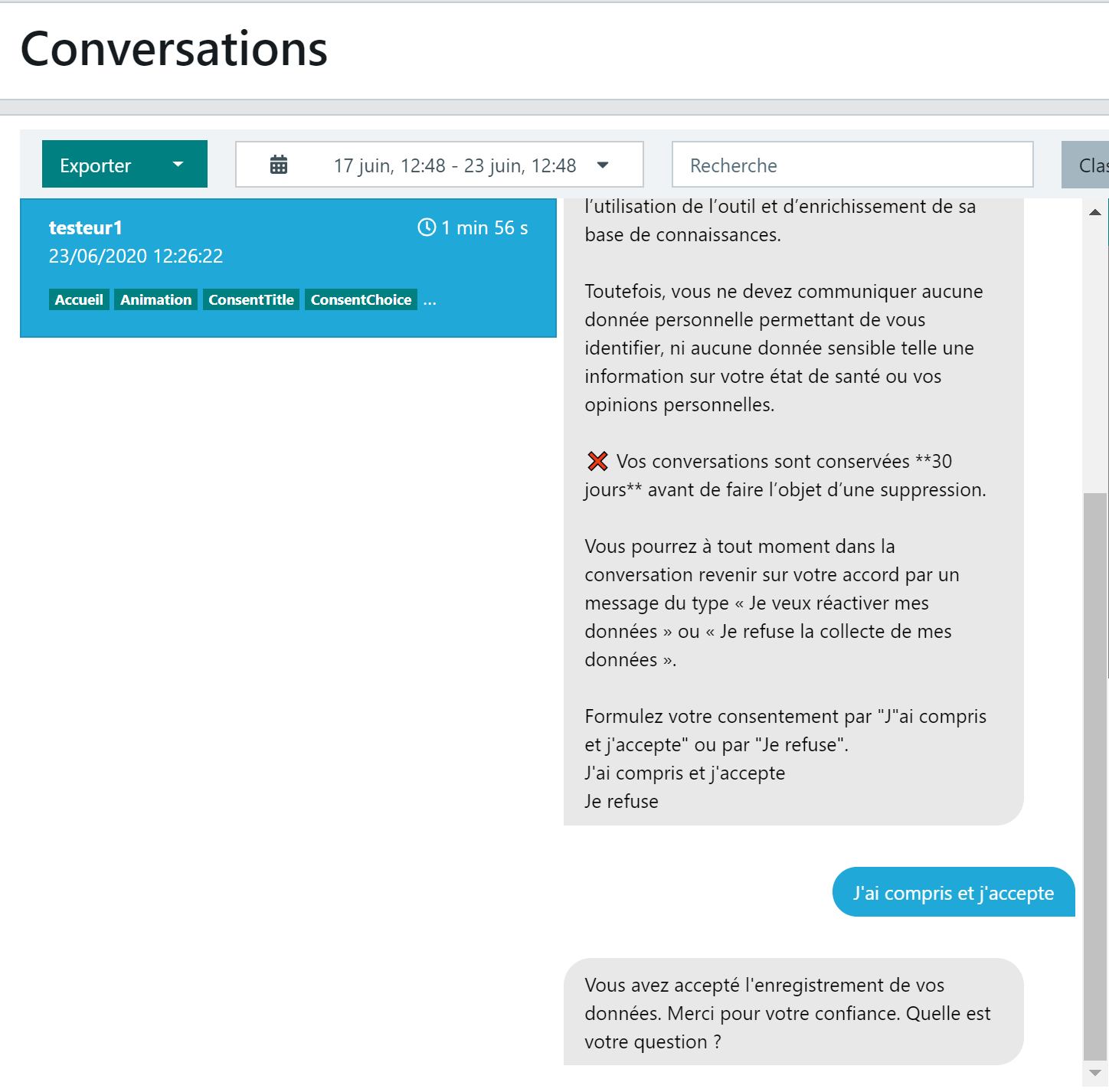
A "View conversation" button allows you to position within the conversation at the point of the consent given by the user:
Settings available in the back-office
Consent message
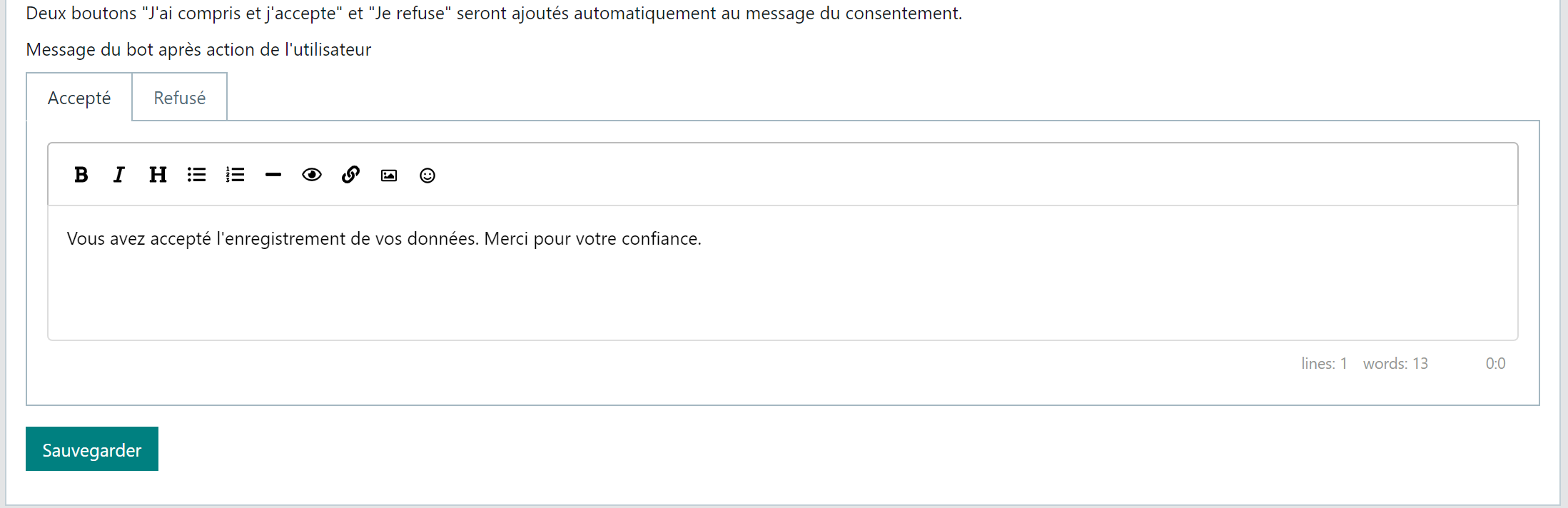
The texts of the consent message and the responses to the action buttons "I understand and accept" or "I refuse" are fully customisable via the "GDPR > Settings > Consent" function:
Introduction and body of the message:
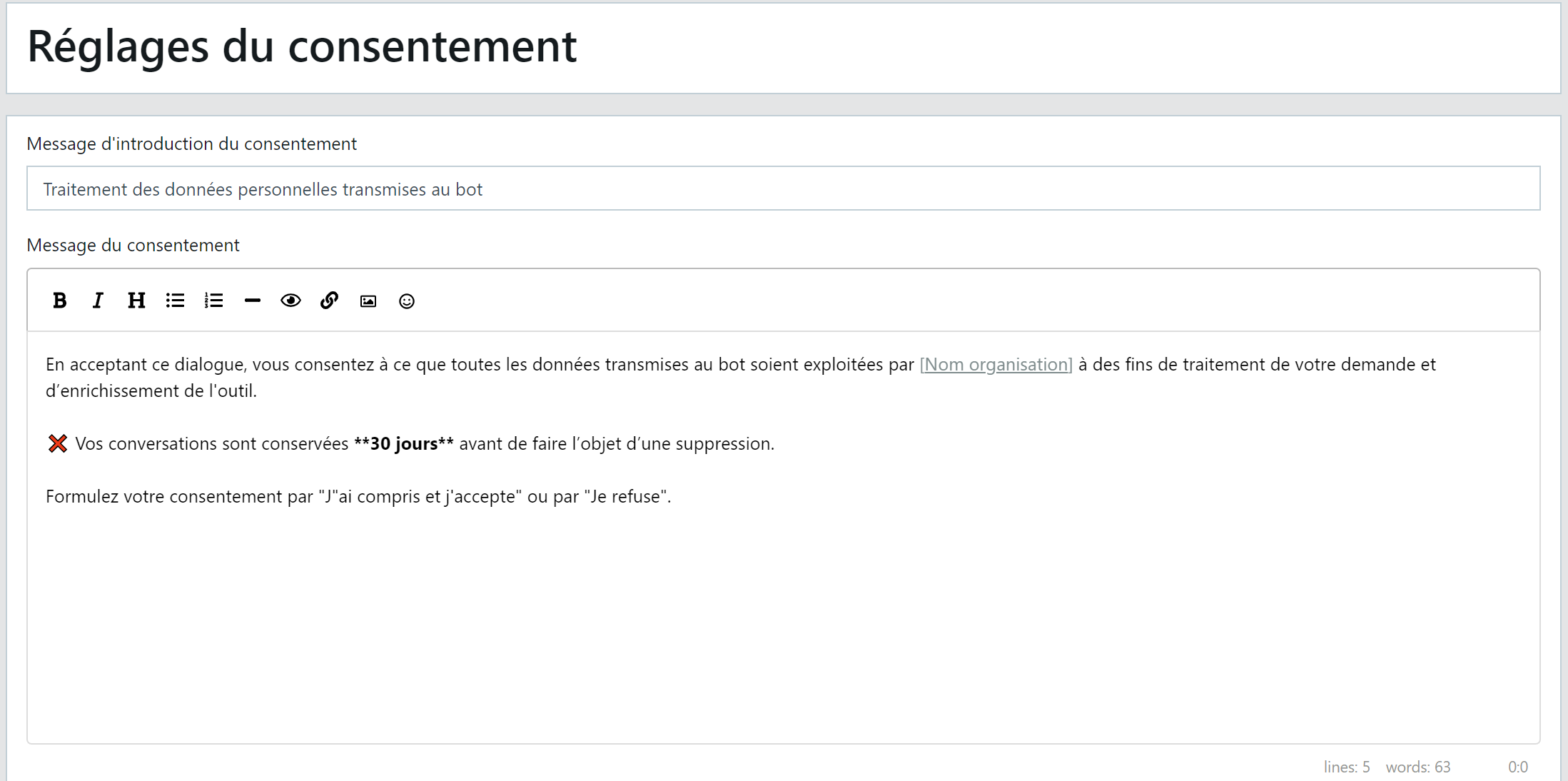
Option to insert a link to an external page (privacy policy, for example):

Digital assistant's response according to the selected action:
- Click the "Accepted" or "Refused" tab to customise each response
Updating intents
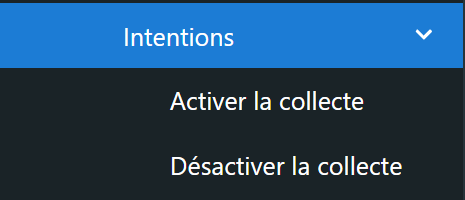
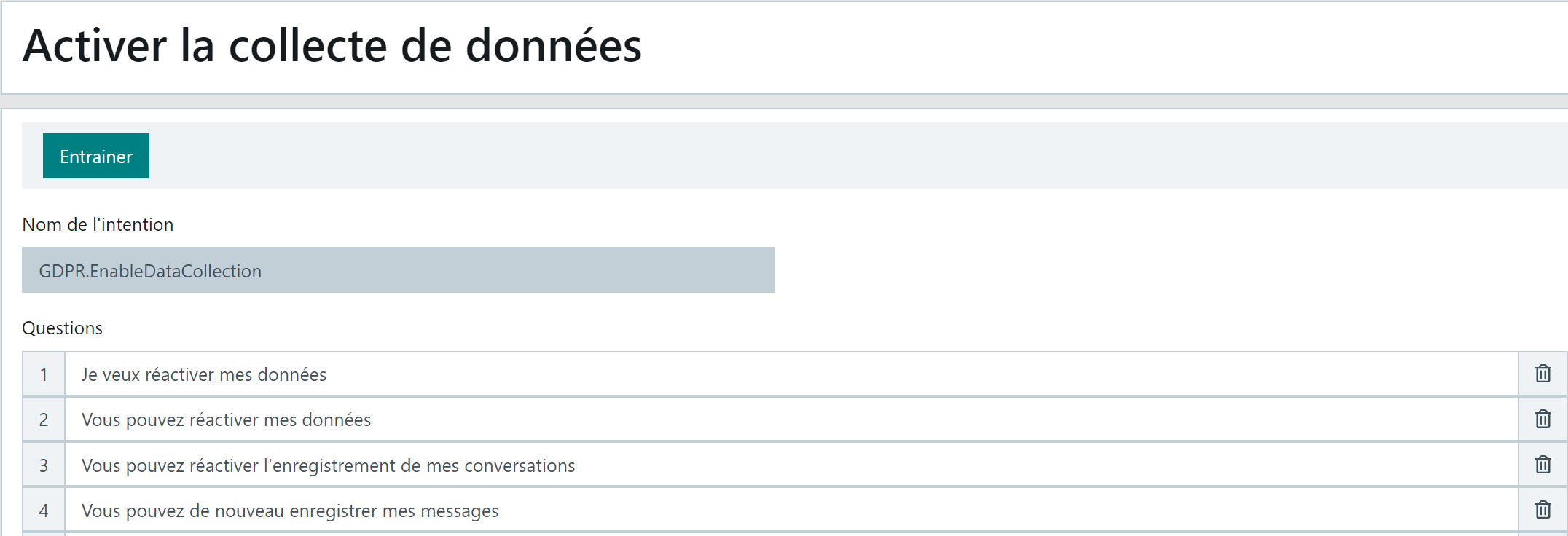
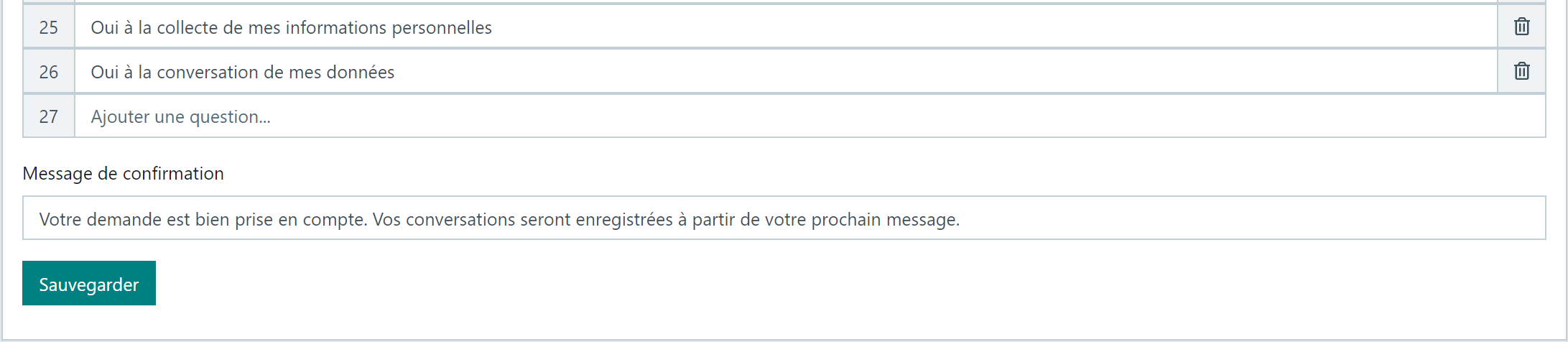
You can enrich the digital assistant's training phrases associated with the 2 intents "I want to disable my data" and "I want to reactivate the collection of my data" via the 2 functions below, located in the "GDPR > Settings > Intents" menu:
Example:
-
Add a question to the list or correct/delete an existing question.
-
Save the page.
-
Do not forget to Train to update the digital assistant.