Creating an OpenID identifier
Introduction
To interact with Retorik Studio, in particular for sending files, you need to authenticate via a token system. To do this, you must create credentials managed by the OpenID service.
Prerequisites
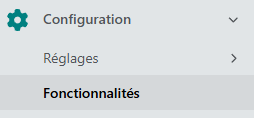
The first step is to make sure the "OpenID" feature is enabled. To do so, go to the "Features" section of the tenant:
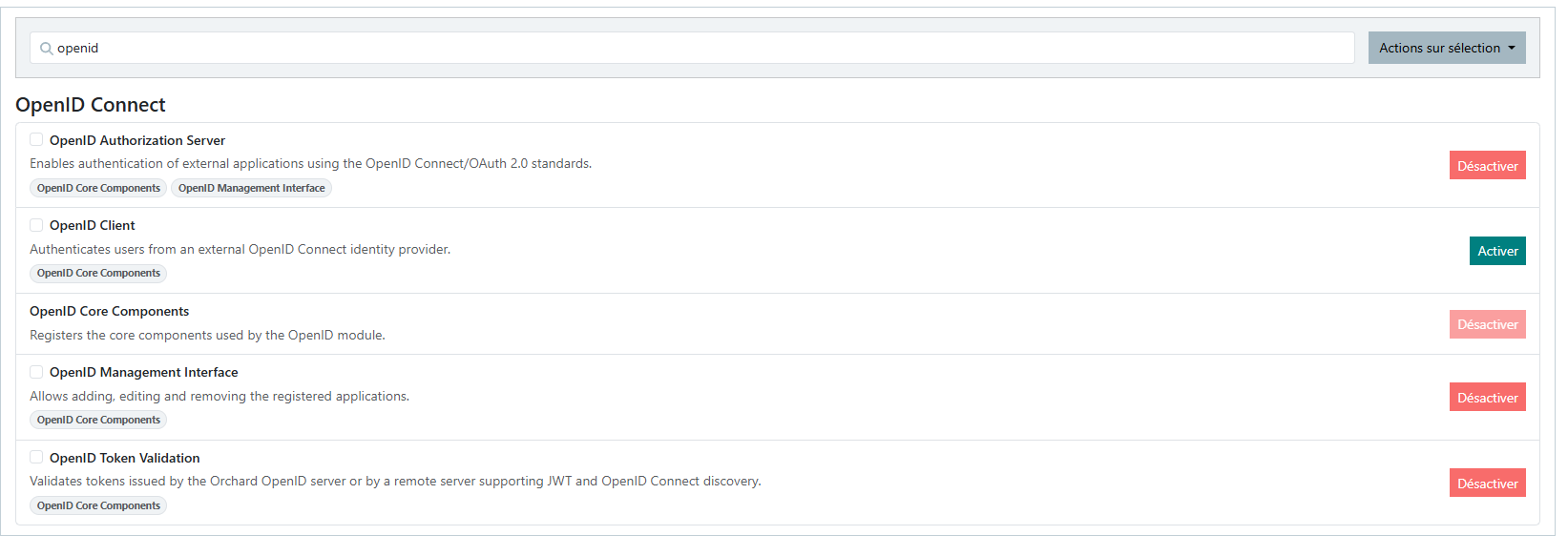
Then, in the search box, type "openid" to filter the features and check whether they are enabled or not:
Procedure
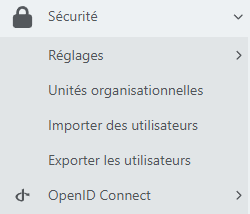
If OpenID is correctly enabled, you should see a new "OpenID Connect" option appear under the "Security" tab in the left sidebar:
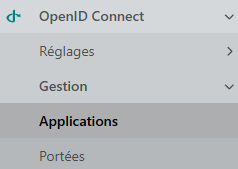
Go to the "Management" submenu, then "Applications":
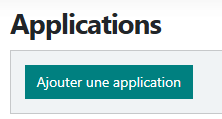
On the Applications page, click the "Add an application" tab:
Fill in the "Client Id" and "Client Secret" fields as you wish. Make sure to keep this information safe, as it will need to be entered into the retorikUsername and retorikPassword variables in the code used to retrieve the authentication token.
Make sure the following options are checked:
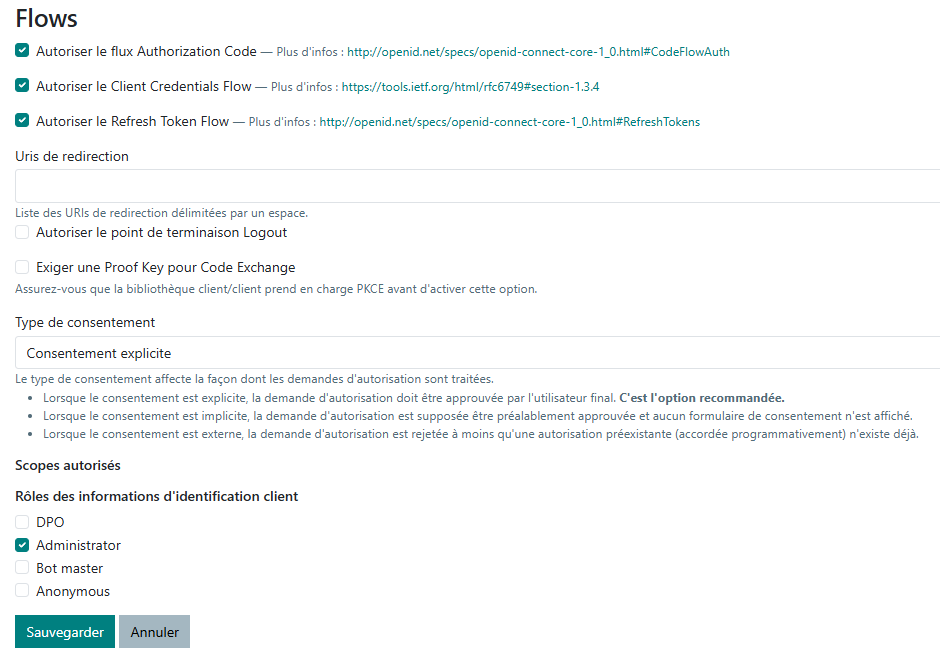
Click "Save" at the bottom of the page once you have made your changes.