Integration on La Vitre
Generalities
The integration of Retorik Framework on a la Vitre device uses the same overlay as Retorik Kiosk allowing authentication and choosing the digital employee to display.
Prerequisites
In order to be able to configure and use Retorik Framework on a la Vitre device, you need :
- a la Vitre device
- an access to the administration space of this device
- a Retorik account with at least one digital employee available
Installation for La Vitre
Adding the connector
In the administratino menu, go to Advanced parameters > Apps > Local Apps
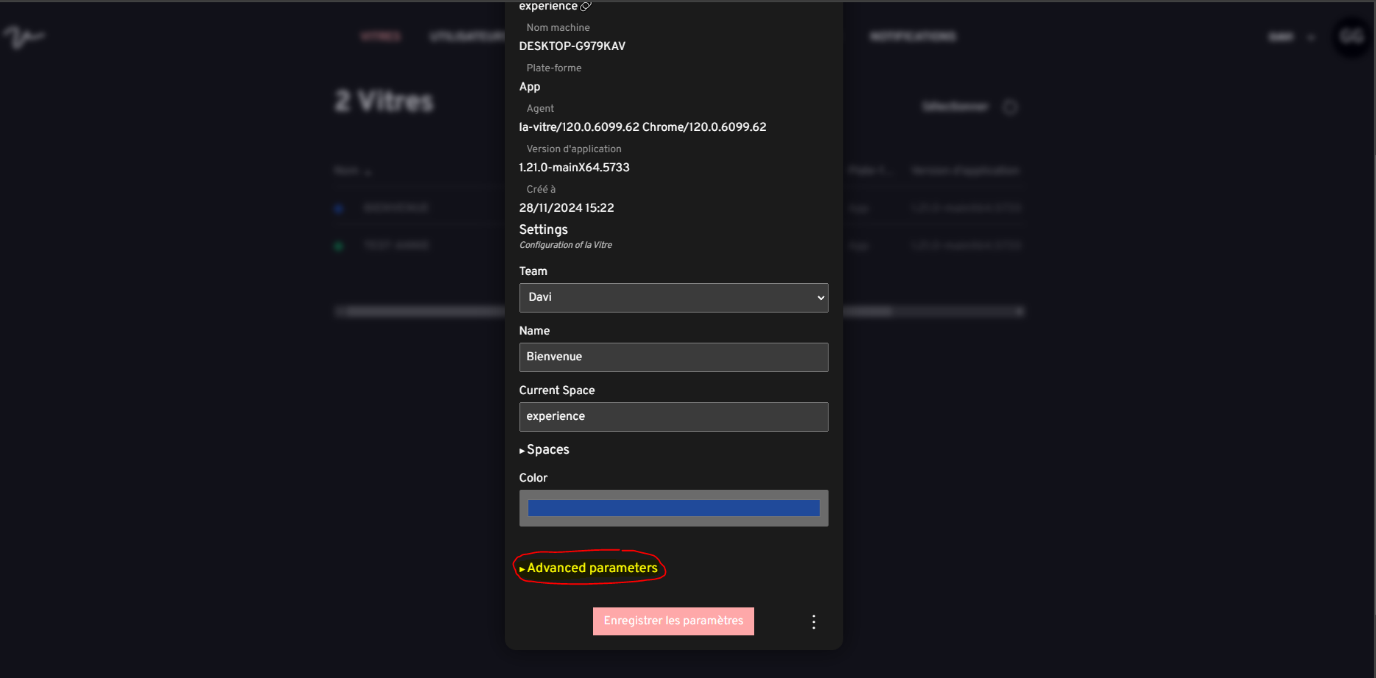
Enter data for the id and name fields (for example "retorik-framework" or "retorik-kiosk" for each), and put the following url in the url field : https://cdn.retorik.ai/la-vitre/retorik-kiosk/1.0.2-alpha/connector.html
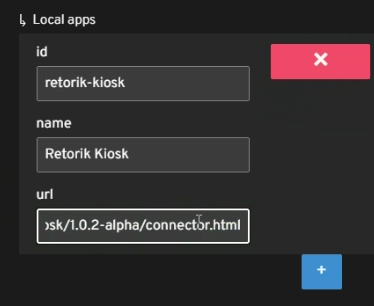
Retorik Framework integrated inside a Retorik Kiosk overlay is now available on the related la Vitre device.
Facultative parameters
You can hide some elements from the native la Vitre menu, in order to prevent people from closing the device. These options can be found in the Security Parameters part of the menu.
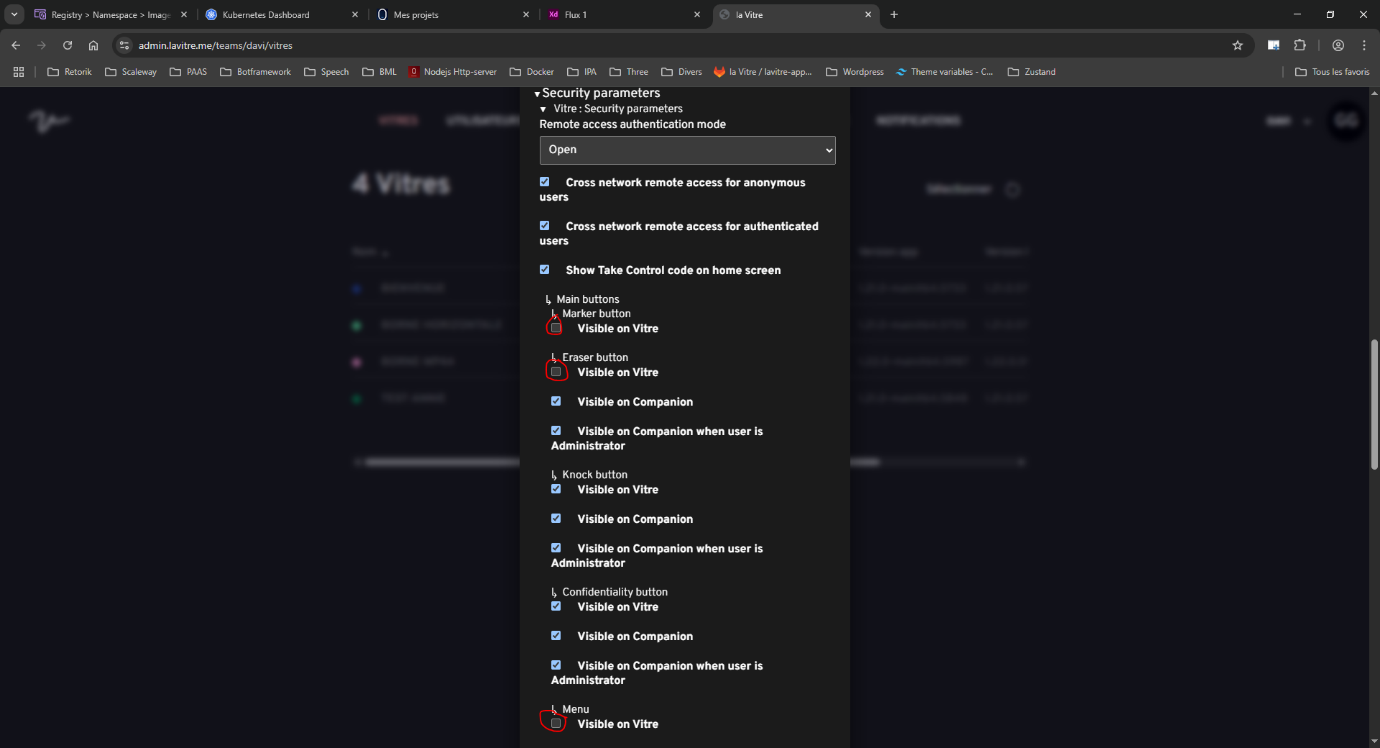
Connexoin and using Retorik Framework on la Vitre
Once the previous steps are done, you can access authentication and Retorik Framework display on la Vitre. A Retorik icon should appear in the lateral menu of la Vitre.

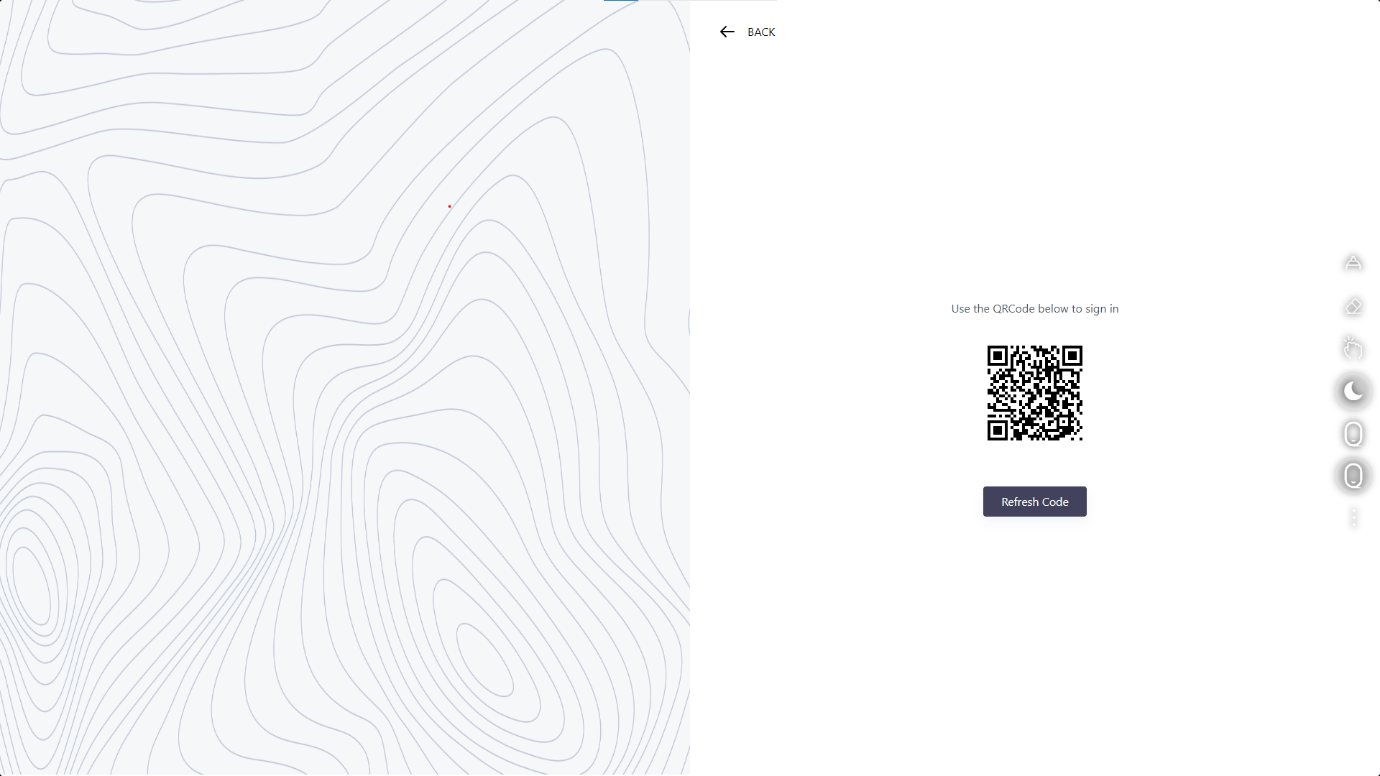
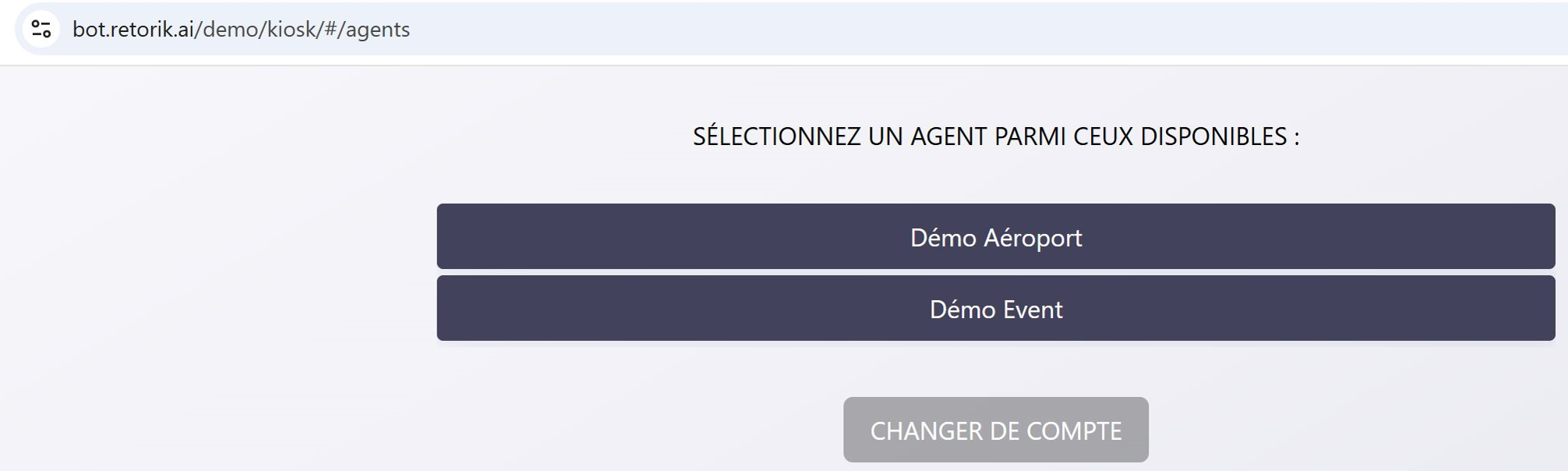
By clicking on the icon, you start the authentication process. Juste follow the steps :
- press SIGN IN
- scan the QR code
- enter your identifiers from your Retorik account
- choose the digital employee to display
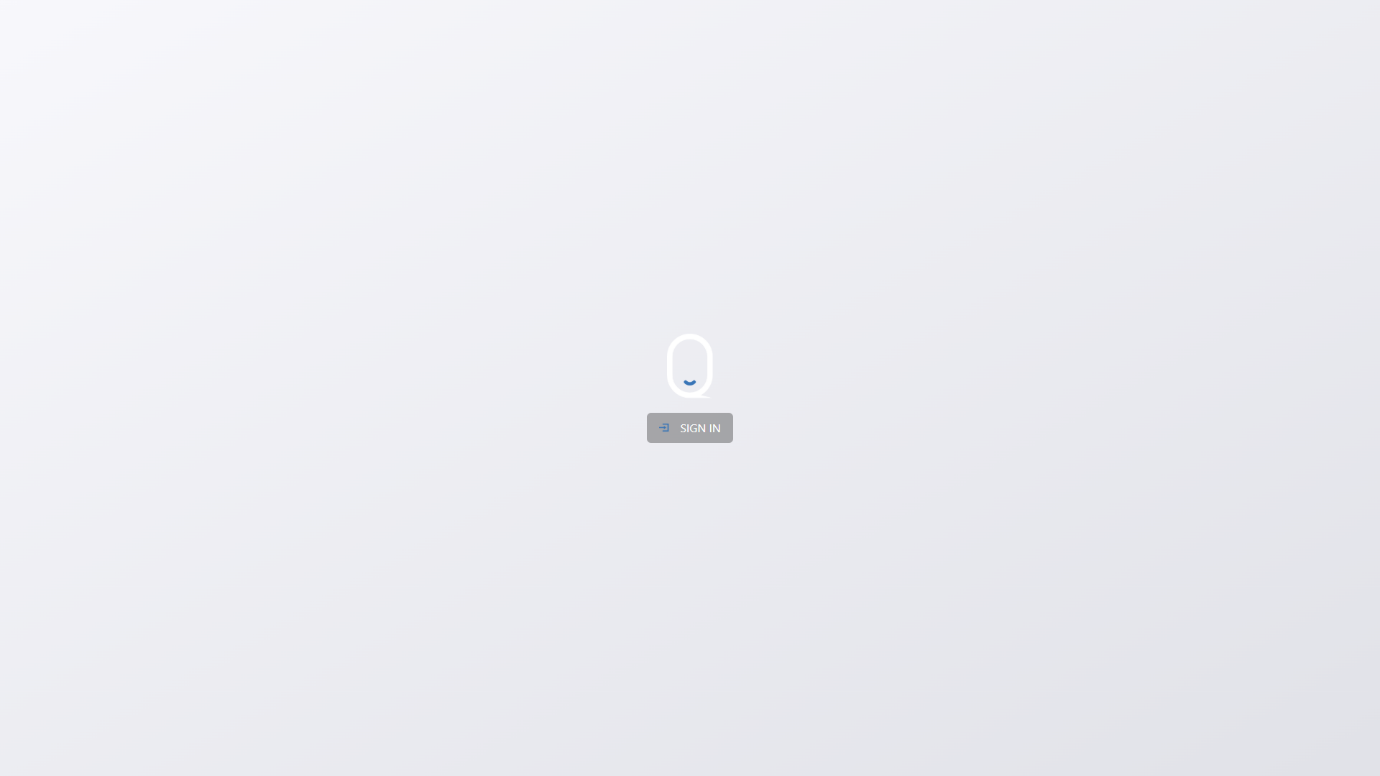
Once this process is done, the selected digital employee should appear on the screen.